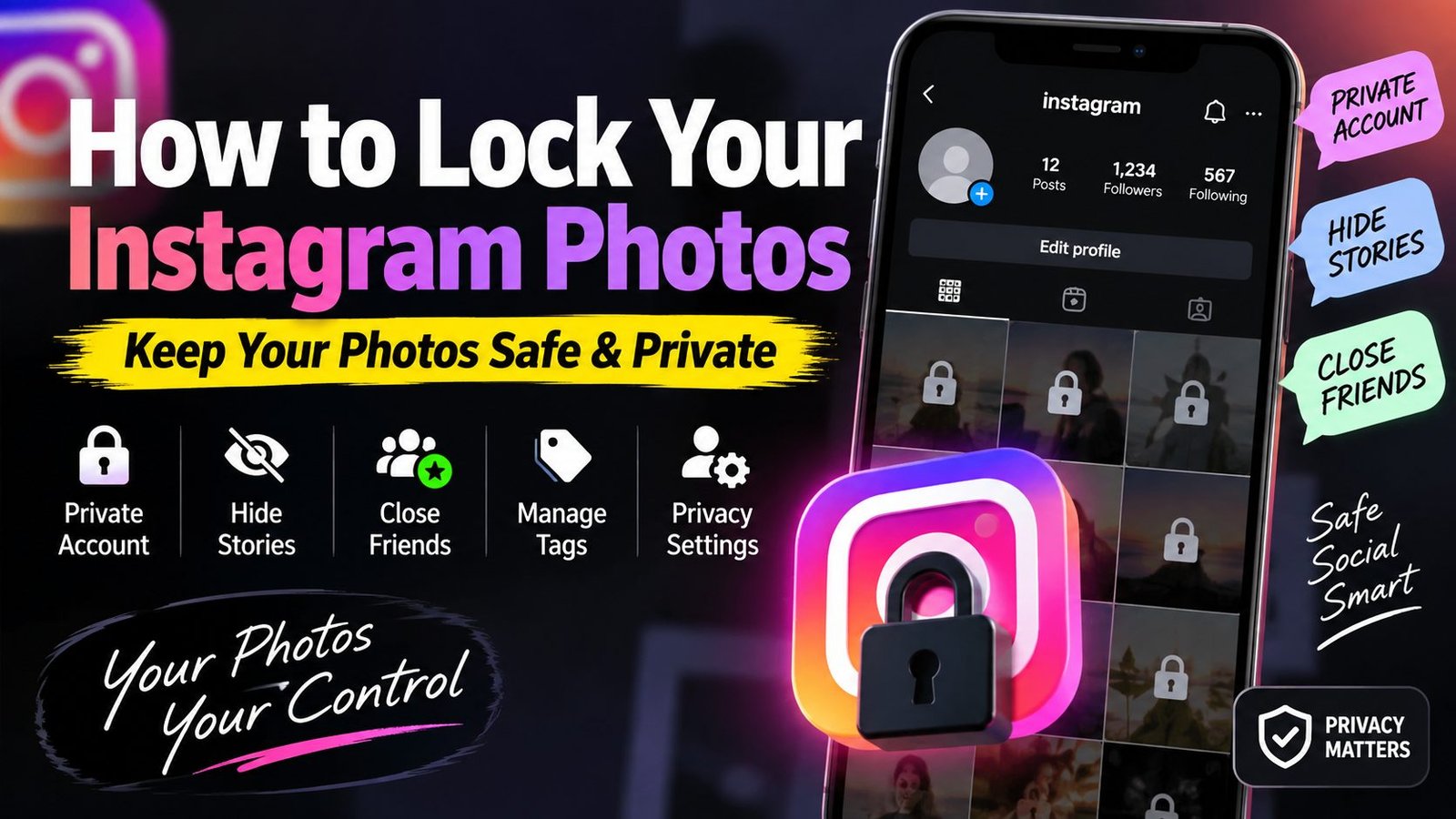
How to Lock Your Instagram Photos and Secure Your Pictures
Instagram has many privacy and sharing settings that let you choose who can view and interact with your photos. If you want to keep your Instagram photos more private, you can adjust your account and sharing settings directly from your phone.
What Is an Instagram Picture Lock?
There is no official feature on Instagram called “Picture Lock.” The term is commonly used to describe Instagram privacy settings that help control who can see your photos and how other people can interact with your content.
Using Instagram’s privacy and sharing controls, you can make your photos more private and limit unwanted interactions.
Make Your Instagram Account Private
The simplest way to control who can view your Instagram posts is to set your account to private.
If your account is private, people normally need to follow you and be approved by you before they can see your posts.
How to Set Your Instagram Account to Private
Open the Instagram app.
Go to your profile.
Tap the ☰ Menu icon.
Open Settings and activity.
Find Account privacy.
Turn on Private account.
Manage Who Can View Your Photos
Before posting a picture, think about who you want to see it. Instagram provides different audience and privacy controls for certain types of content.
If you’re publishing personal images, a private account can give you more control over who sees your posts.
How to Hide an Instagram Story From One Person
Instagram lets you hide Stories from specific accounts if you don’t want someone to see your Story.
Go to your Instagram privacy settings and find the Story controls. You can then select the accounts you don’t want to see your Stories.
Share Private Stories With Close Friends
You can also share content more selectively using Instagram’s Close Friends feature.
Add trusted people to your Close Friends list and share a Story only with that selected audience.
This can be useful if you don’t want to share a personal photo with everyone who follows you.
Remove Tagged Photos From Your Profile
When someone tags you in a photo, you can control whether tagged content appears on your Instagram profile.
Review your Tags and mentions settings and enable the option to review tagged posts before they appear on your profile.
Turn Off Unwanted Mentions and Tags
Instagram also provides options for controlling who can mention or tag you in posts and Stories.
If you don’t want random accounts tagging your username, you can limit these options through your privacy settings.
Is It Possible to Lock a Photo on Instagram?
There is no single Instagram button that can completely prevent a public photo from being captured through a screenshot, screen recording, or another device.
The practical way to control access to your photos is to use Instagram’s privacy and sharing settings.
Also keep in mind that once someone has legitimate access to view a photo, you cannot guarantee that they won’t save or capture it using another device.
Tips to Make Your Instagram Follow CoolTechh on Instagram for more tech tips, AI tools and useful tricks.
[
If you want better privacy for your Instagram photos, review these settings regularly and share personal content only with people you trust.
