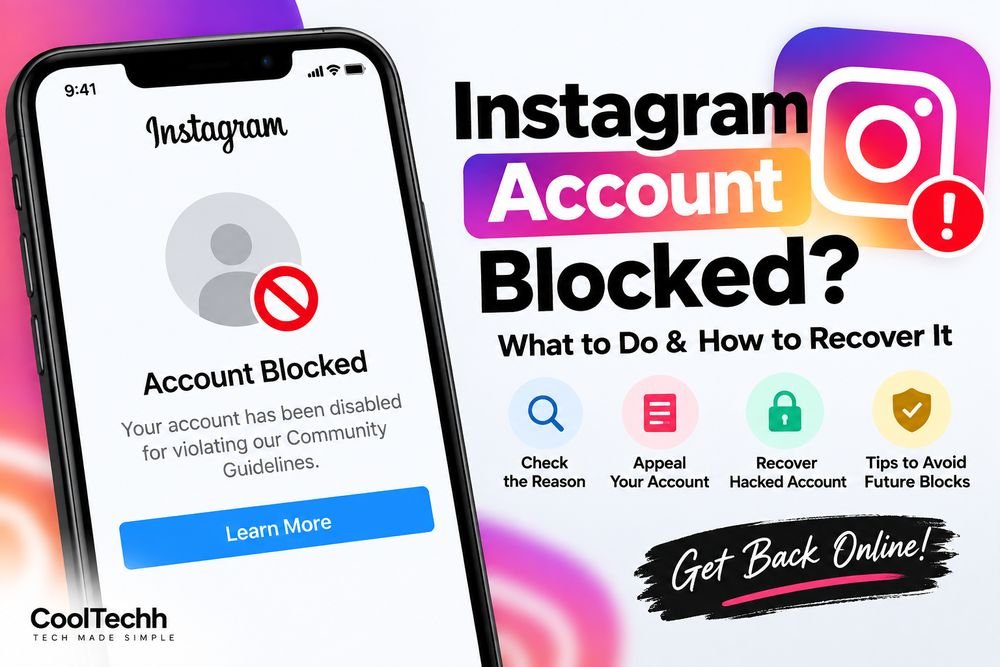
Blocked on Instagram? How to retrieve it? What to do:
If your Instagram account is blocked, suspended or banned, don’t panic. First thing you need to do is figure out what kind of restriction you’re working with. Sometimes an account is limited by Instagram for a short period due to odd activity, and sometimes an account is suspended because Instagram thinks the rules of the platform have been broken.
See What Happened to Your Facebook Account
Open up Instagram and attempt to log in as normal. Read the message on the screen carefully.
You may encounter alerts regarding a suspended account, a disabled account, login problems or a temporary limitation. It’s crucial what the message says because there can be many ways to recover.
If you can access your profile but you can’t like, comment, follow people or send messages, then you’re probably not blocked, but suffering a feature restriction.
Please Try To Sign In Again
Before you try difficult fixes, just close the Instagram app and open it again. Check that you’re signing in with the correct username, email address or phone number for the account.
You can also try logging in from the official Instagram website and determine if the problem is only with the app.
Please stop entering incorrect login data as this may cause more security checks.
Locate an Appeal Option
If your Instagram account has been suspended or disabled, search for an option to Appeal, Disagree with Decision, or Request a Review.
Appeal option to look for. If your Instagram account was suspended or disabled, look for an option to “Appeal,” “Disagree with Decision” or “Request a Review.”
If Instagram asks you to verify who you are, follow the prompts and verify with the information asked by instagram.
Check your email.
Check the email address linked to your Instagram account. Instagram may send you account and security messages there.
Check your inbox, spam folder & promotions folder for fresh emails.
Never share your Instagram password or verification code, even if requested in an email or message. Never share your password or security code with anyone who promises to recover your account for you.
If your account was compromised
If you think someone else has gotten into your account, follow Instagram’s official account-hacked recovery protocol.
If you can still login, change your password and check if your email address, phone number or other account data have been updated.
If you receive a security email for a modification you didn’t make, follow the steps in the email to safeguard your account.
Steer Clear of Third Party Recovery Services
You could see folks on social media that offer to unblock or recover your Instagram account for a price.
Beware of such offers. Never give your login code, password, backup codes or other security credentials to anyone.
You need to do Instagram recovery through Instagram official help and recovery choices.
Don’t create multiple accounts to get around a restriction
Creating a new account to get around a restriction on your account may just make things more complicated.
So find out why the original account was restricted, and proceed with the recovery or review process offered.
Stay out of any shady stuff Once you get your account restored, don’t do suspicious activities like following/unfollowing several accounts in a short amount of time, uploading the same content multiple times or using services that do actions on Instagram.
Update your account details and enable two-factor authentication for enhanced security.
Also, please make sure that whatever you share conforms with Instagram’s Community Guidelines and Terms of Use.
Wedsite link
Last clue
If your account becomes blocked, the best thing is to identify the specific restriction and follow the formal recovery or appeal process on Instagram. Steer clear of anyone who guarantees a cure.
Never give out your password or verification tokens to strangers, no matter how quickly they can restore your account.
